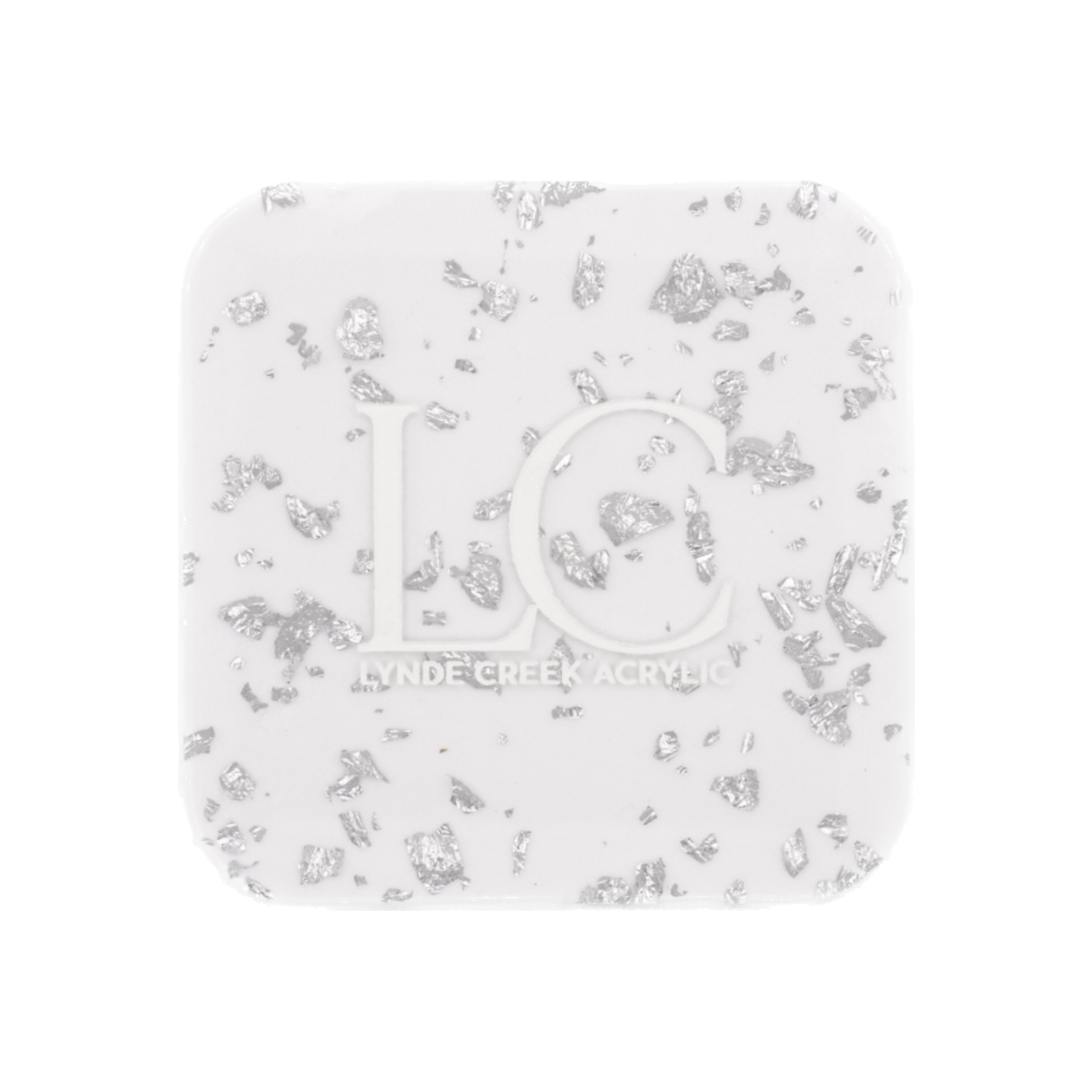
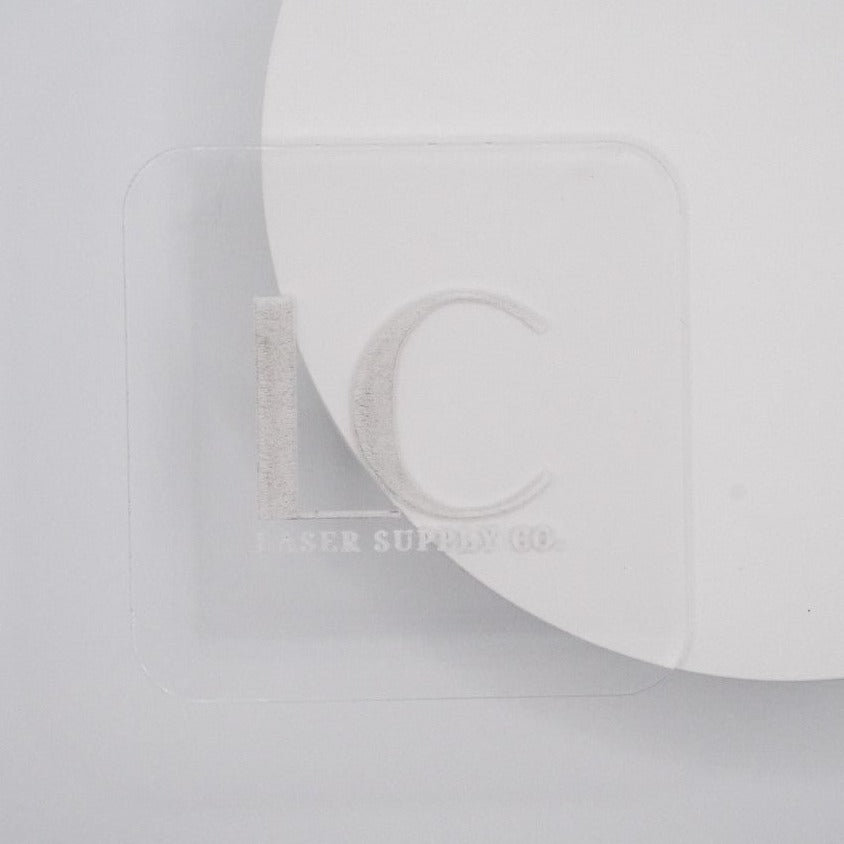
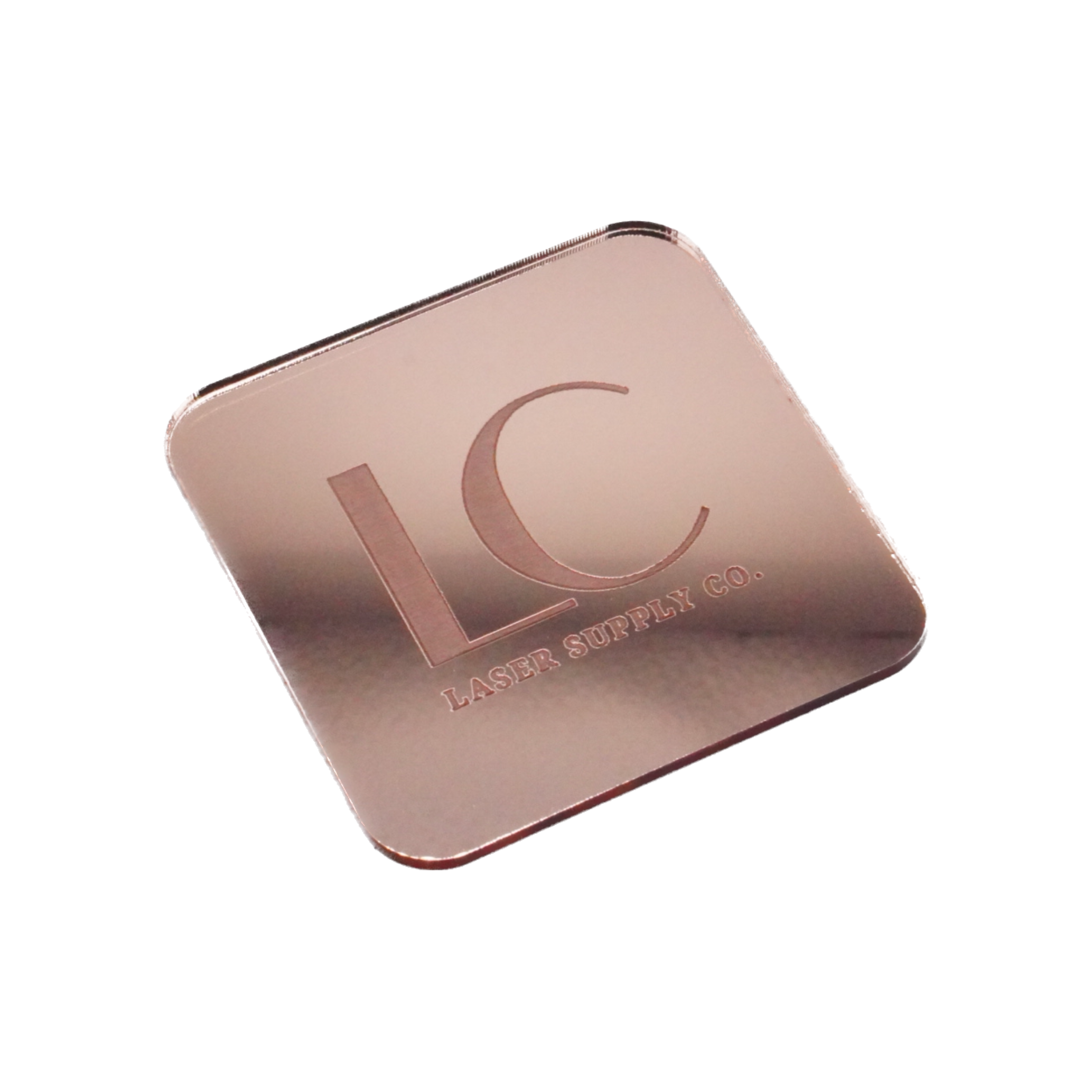
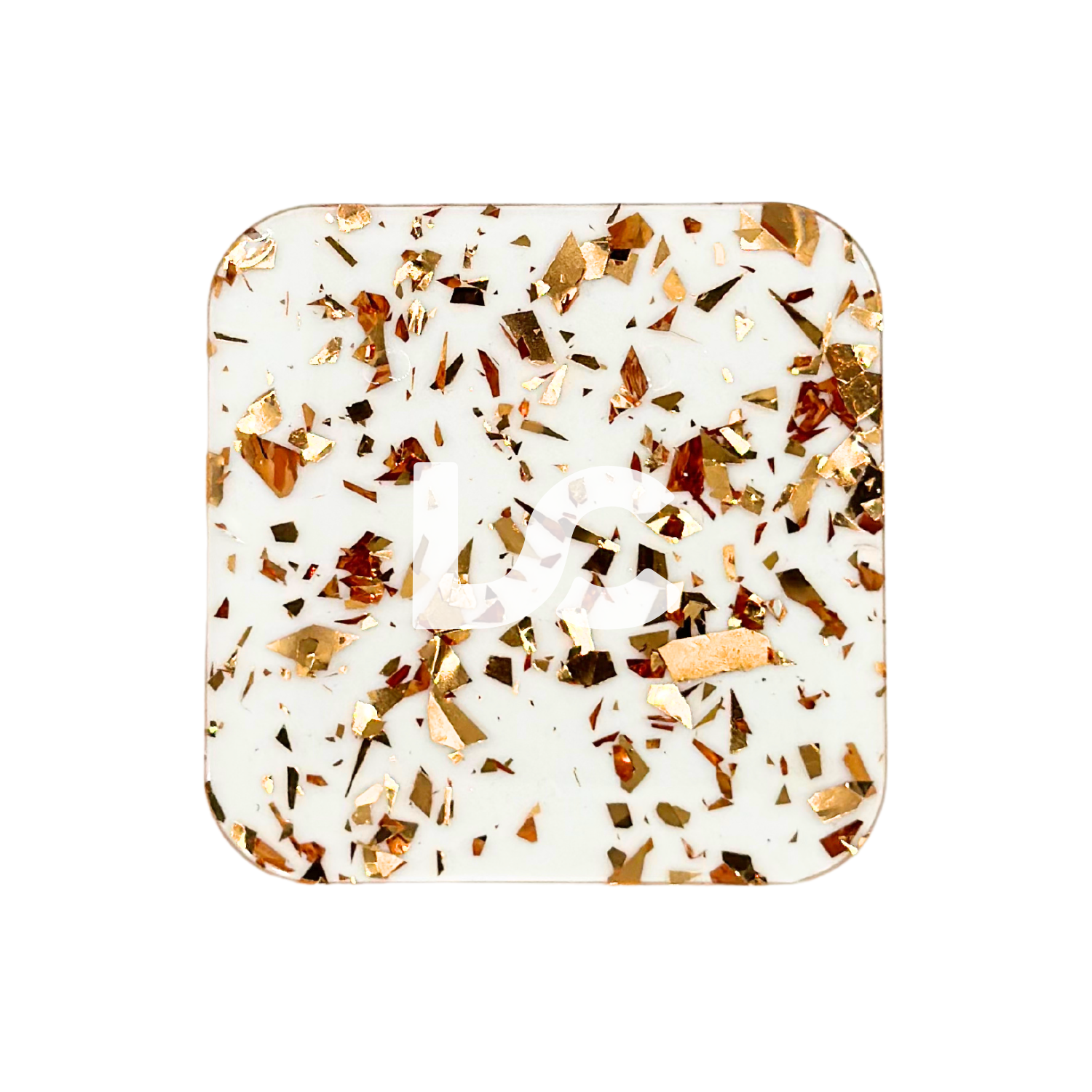
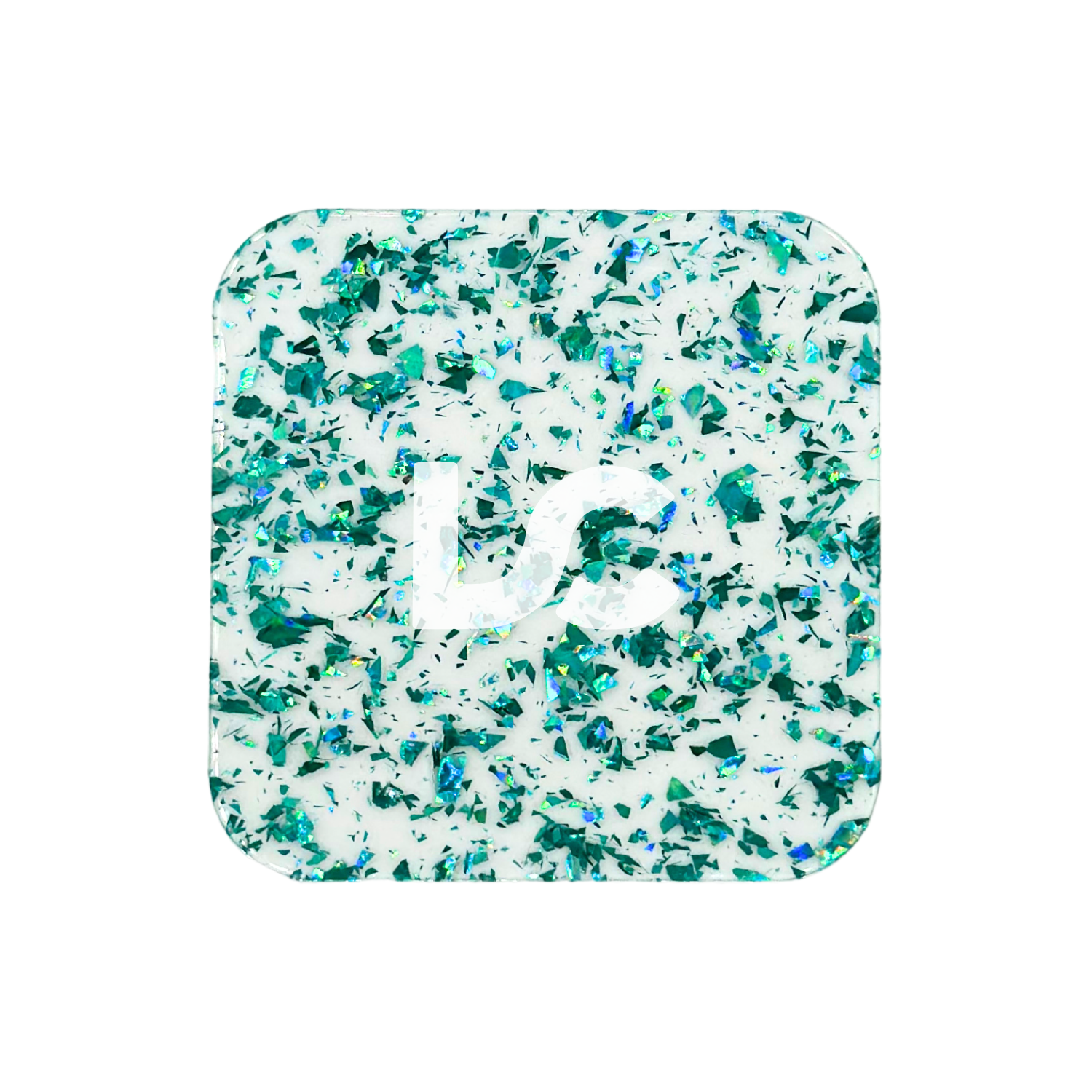




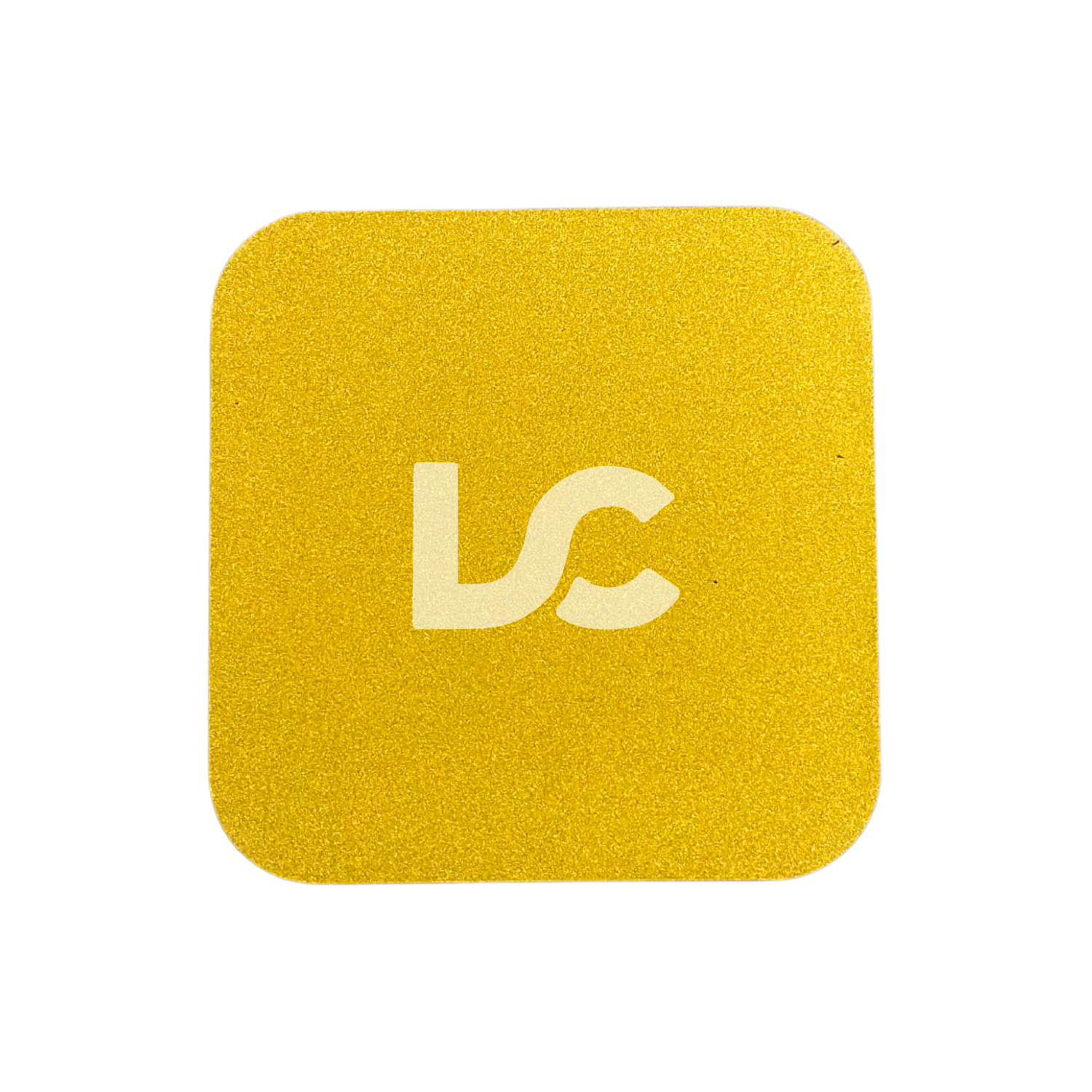
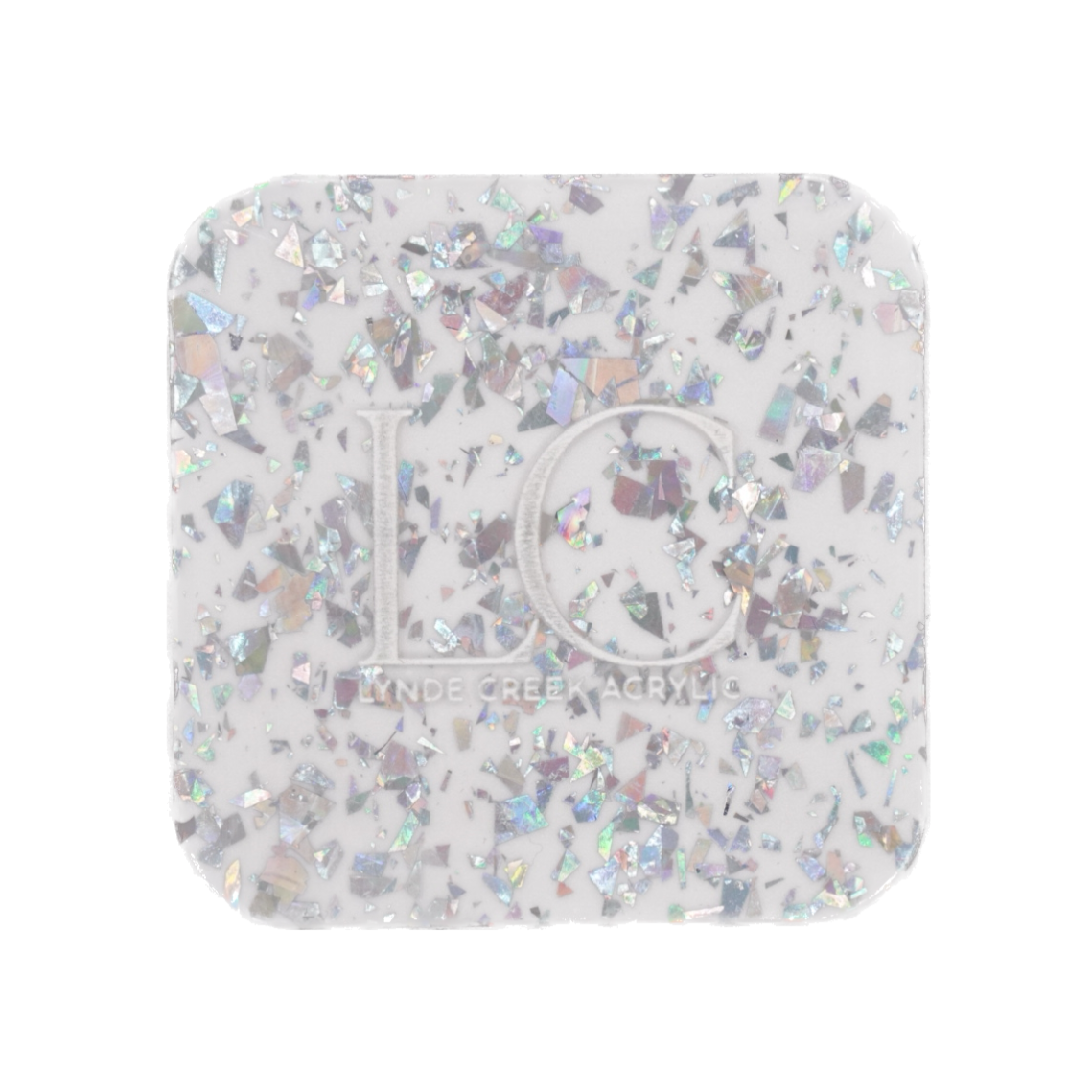
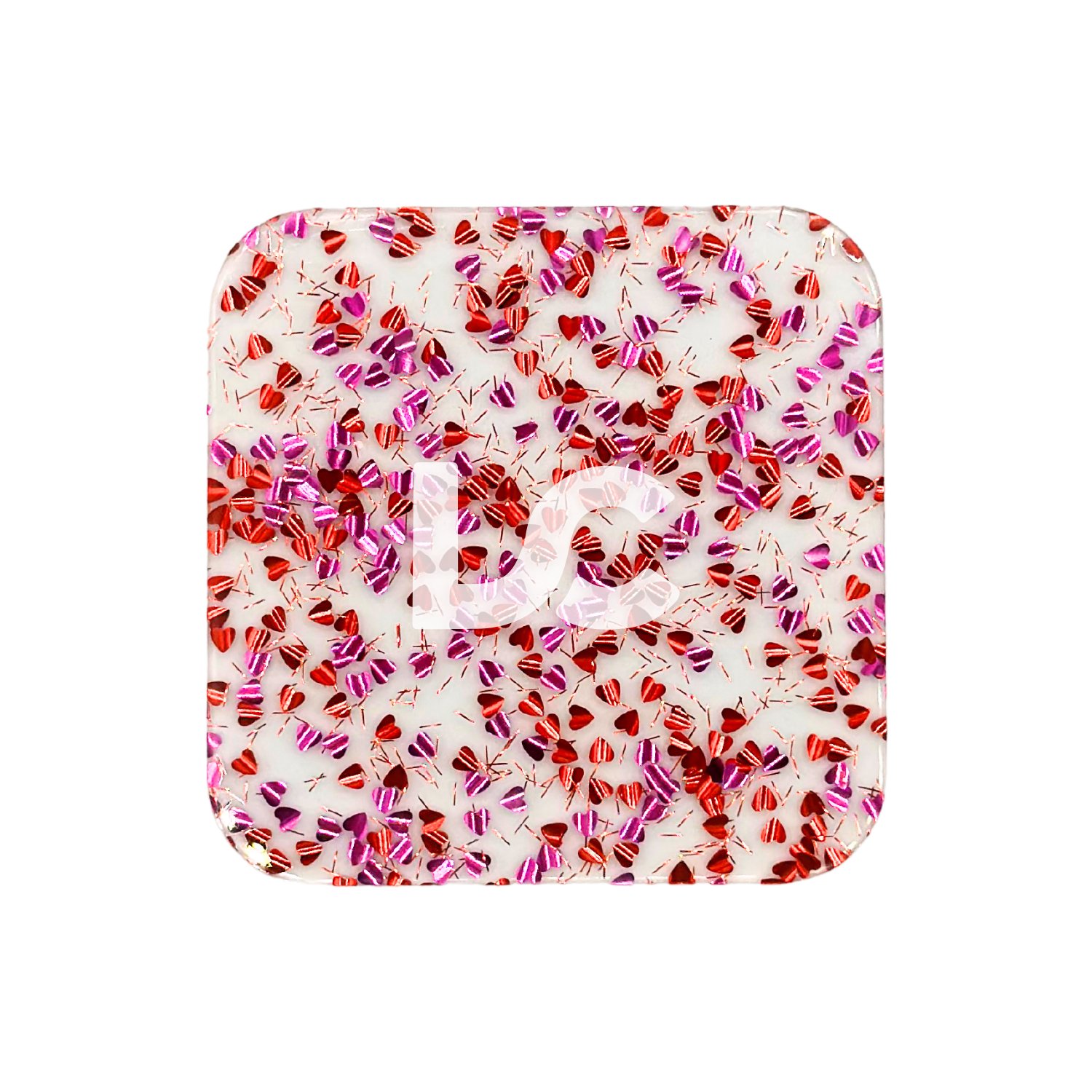
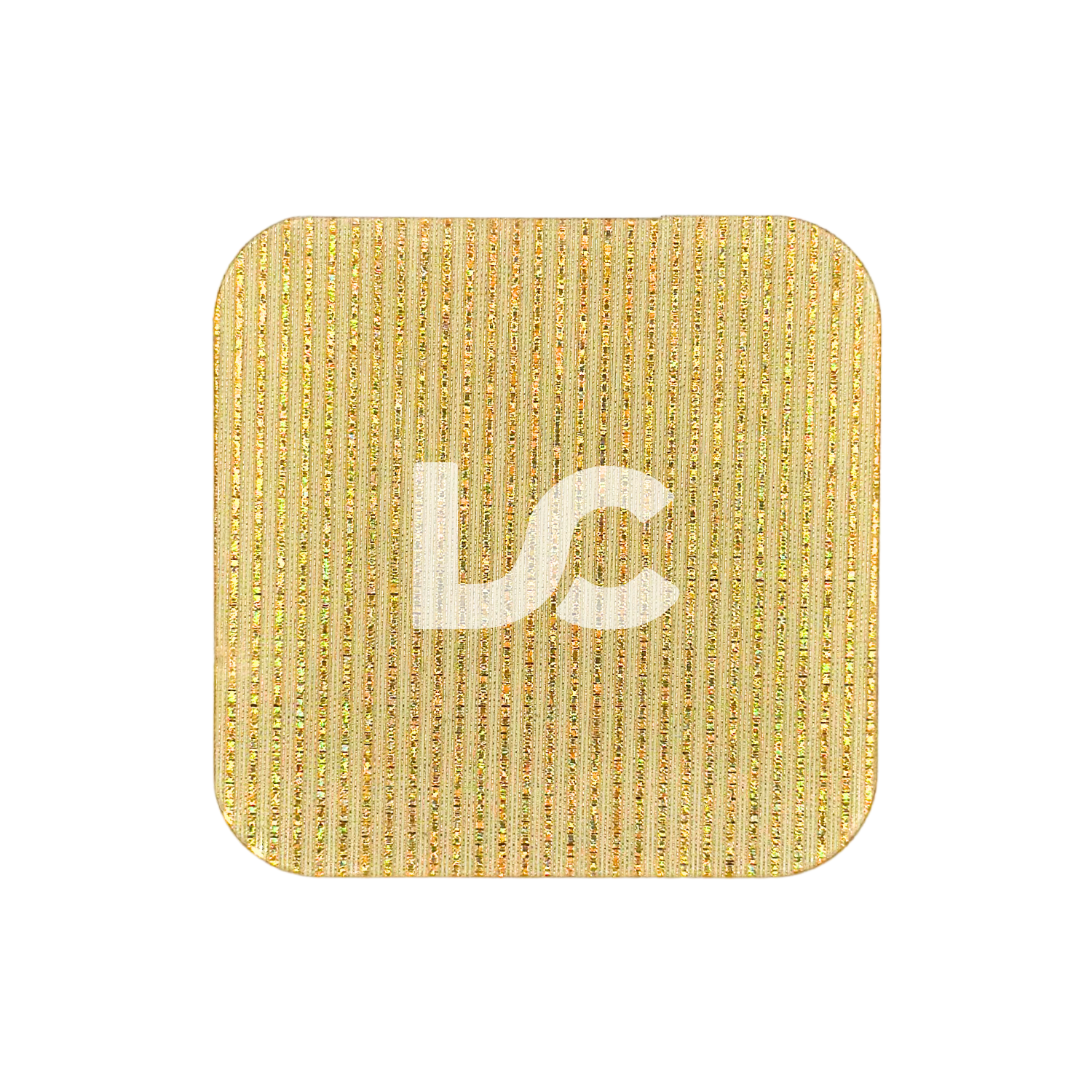
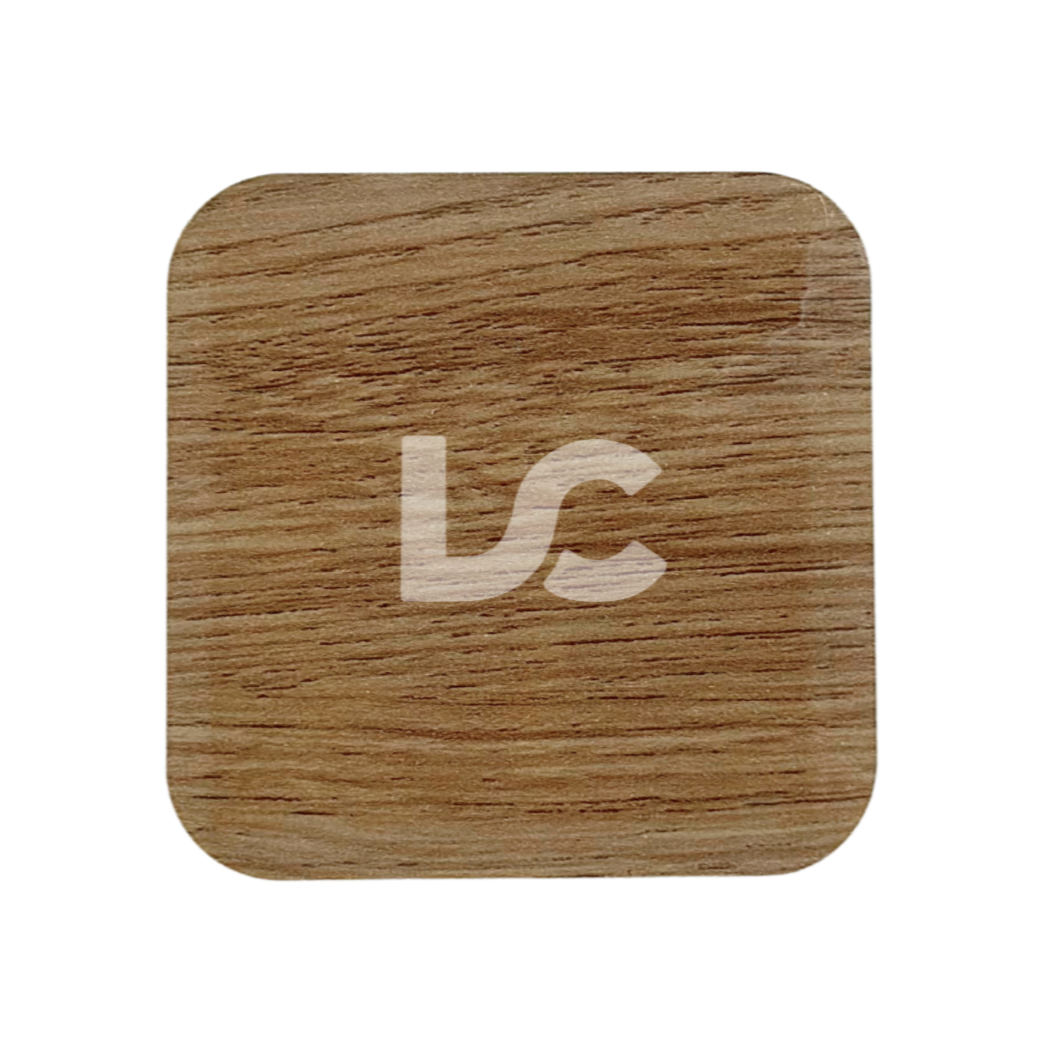
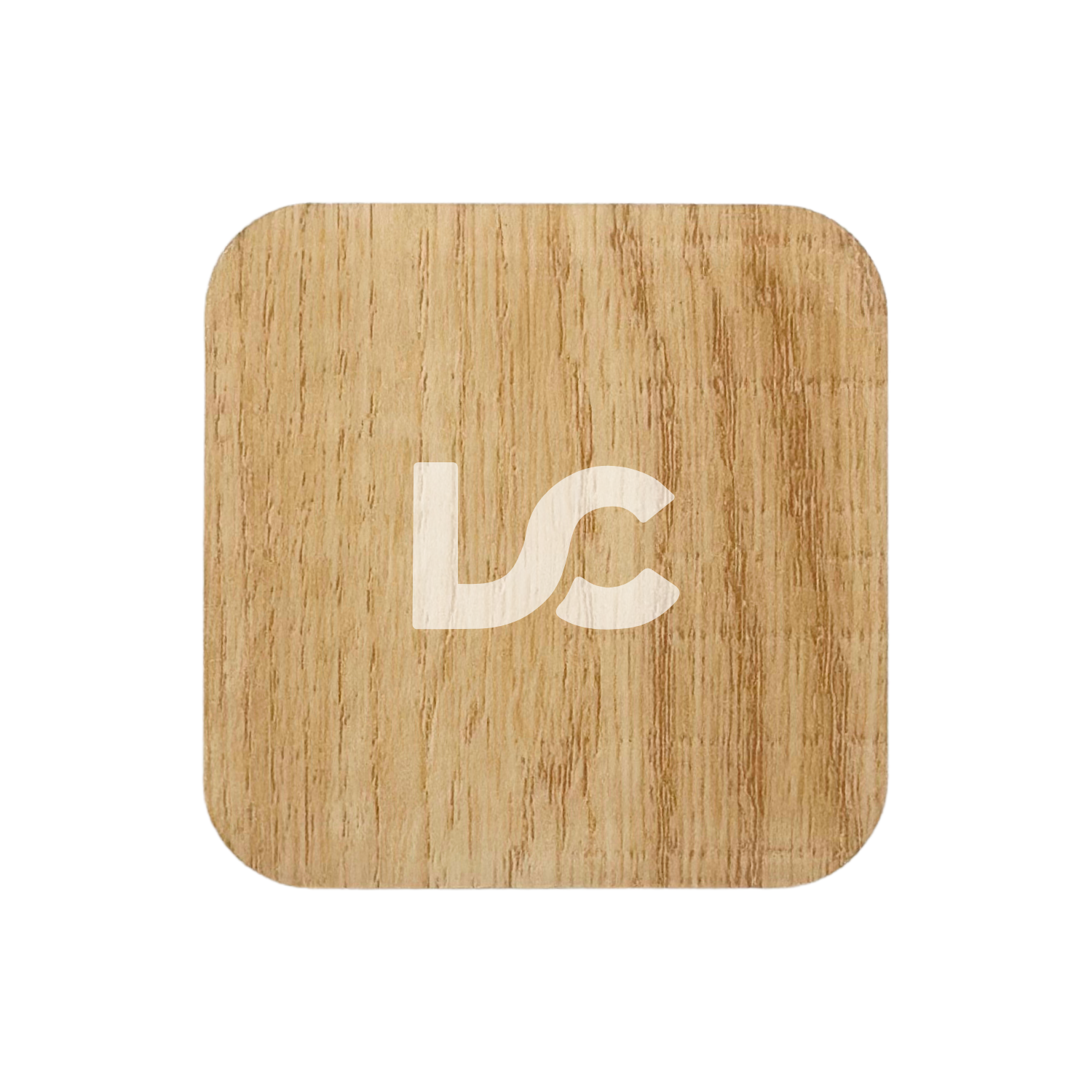
Misfits Acrylic
Compatible with CO2 Lasers
Couldn't load pickup availability
Pickup available at 400 Monarch Ave
Usually ready in 2-4 daysPairs well with
Misfits Acrylic
If you have any questions, you are always welcome to contact us. We'll get back to you as soon as we can.
-
Contact Us
Email us hello@lyndecreekacrylic.com
All sales from this listing are FINAL.
The products listed here (unless otherwise specified) experienced a defect with the masking which leaves a glue residue on the matte sides of the acrylic. We found using an adhesive remover (such as Goo Gone) to be the best method for removing the residue. After removing the original masking, we recommend carefully cleaning and rinsing the affected sheets as per the instructions on the bottle. Please allow the sheet to dry before re-masking.
To learn more about the sheets listed here, please see their individual product listing.
-----------------------------
Clear BOGO: Buy 1 sheet, get the second 50% off! These sheets have slightly defective masking.
-----------------------------
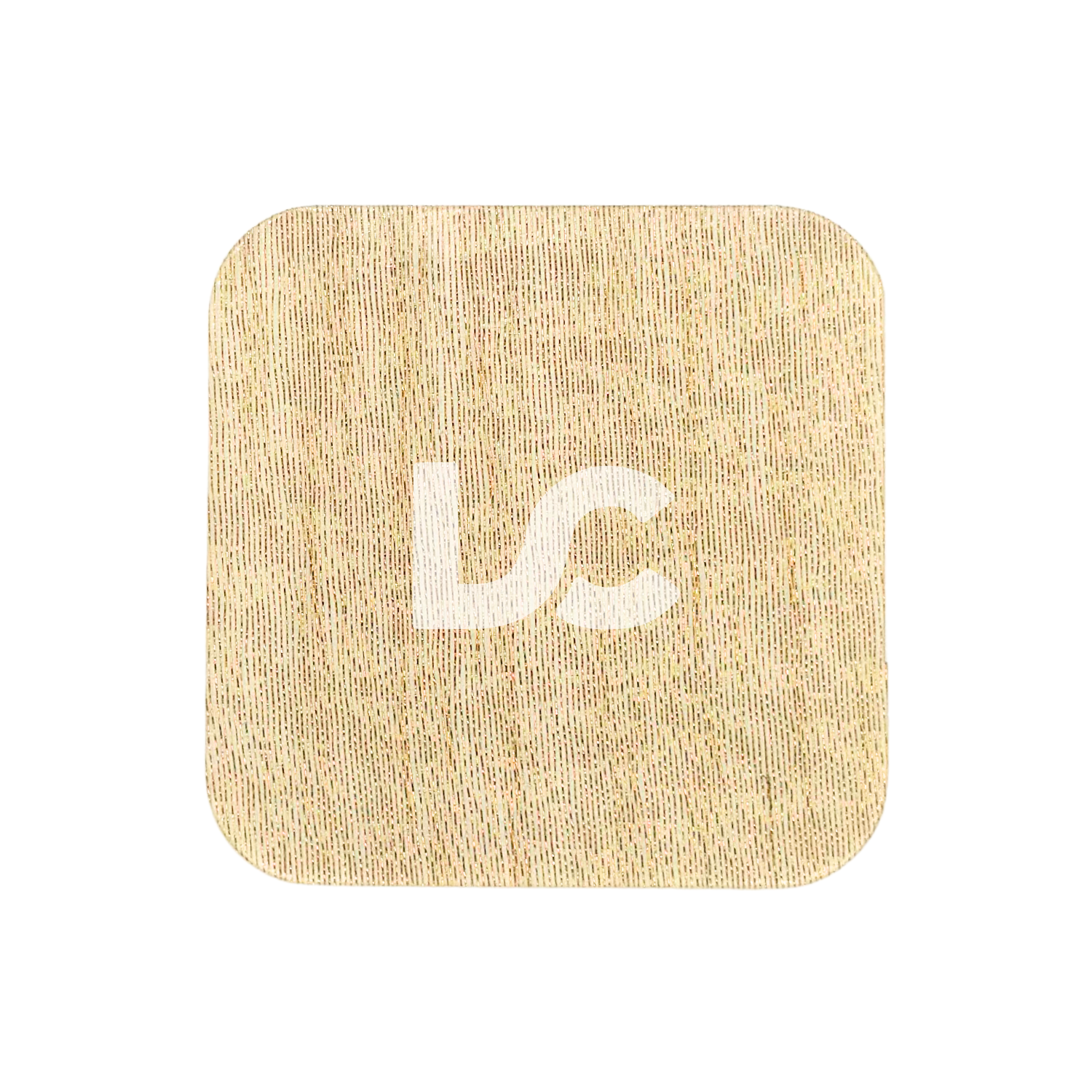
The Disco Glitter, Maple Wood, Molten Gold Metal, Silver Foil, Silver Prism, Silver Glitter, Iridescent Green, Golden Mesh Fibers, Gold Ribbon Fibers, Heart Confetti Glitter, Teal Prism and Rose Gold Prism sheets contain a manufacturing defect that left an uneven surface due to trapped air bubbles while the acrylic was being cast. Severity differs from sheet to sheet. Best used for pieces that can be cut around it. Beyond Acrylic Two-Tone: Red on Jet Black Base has a minor scuff mark on printed side.
-----------------------------
Mirrored sheets will come with scratches at varying degrees of severity. Best used for pieces that can be cut around them.
Care Instructions
To avoid warping, store acrylic at no more than a 10 degree angle standing or lay flat with smaller pieces on top.
Glowforge Settings Recommendation
Suggested settings for 3 mm (1/8") thick acrylic:
To CUT: Power - FULL; Speed - 160
To ENGRAVE: Power - FULL; Speed - 1000
We recommend testing a small patch first as each machine performs differently. Settings should be adjusted accordingly if the patch test is not successful.
Please note that some acrylic settings (i.e. for glitters and marbles) might need to be adjusted by increasing power and slowing speed as they may be slightly thicker.
FAQs
What does "opacity" mean?
Opacity refers to the degree in which an object is able to block light. The more transparent (i.e. clear) it is, the more the light is able to easily pass though. The more opaque (i.e. solid) it is, the more it blocks the light and prevents you from seeing what's on the other side of the object.
Opacity level definitions
Transparent: allows light to pass through uninterrupted/easy to see through. Objects behind can be seen distinctly as if no intervening material was there (e.g. clear, clear-style and tinted clear acrylic).
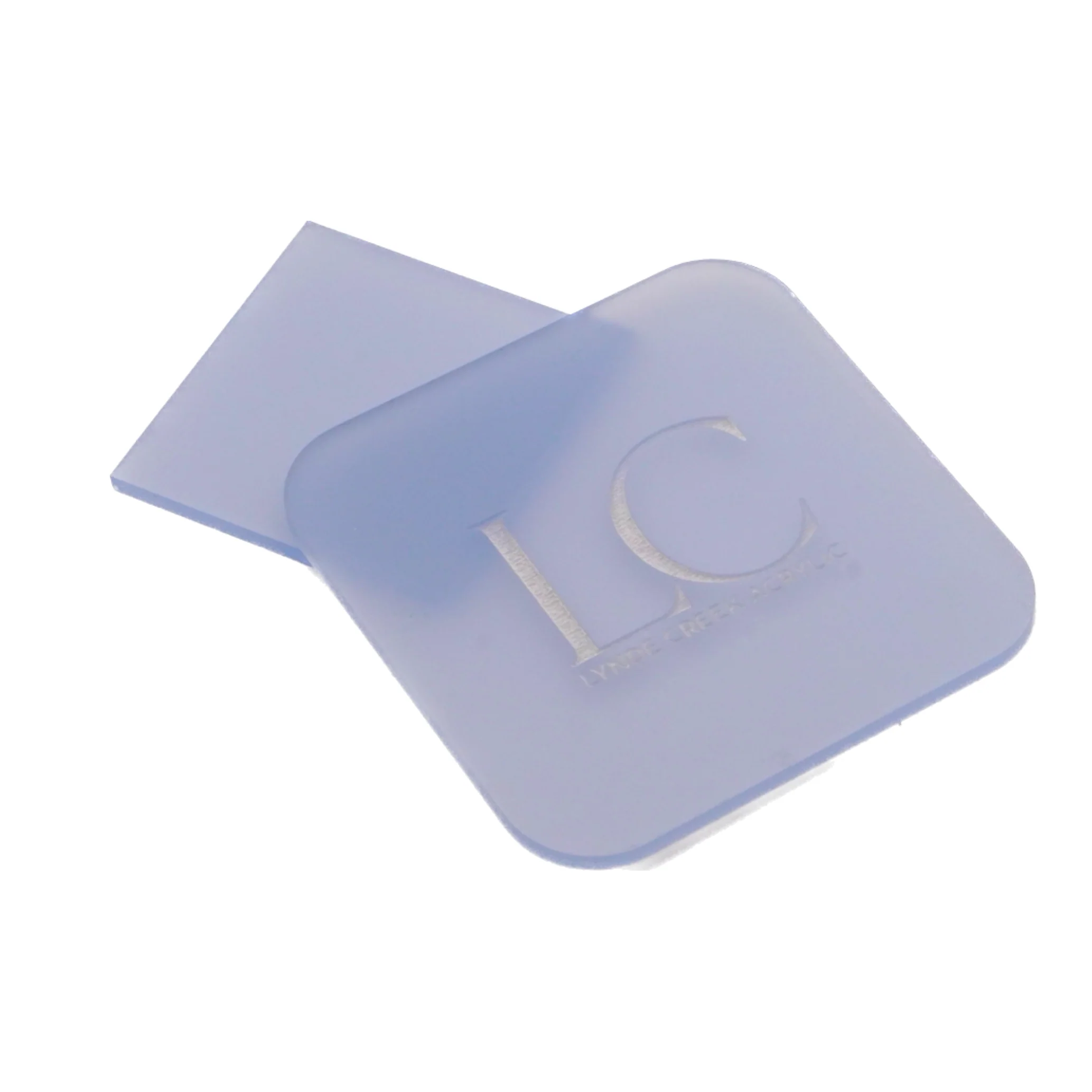
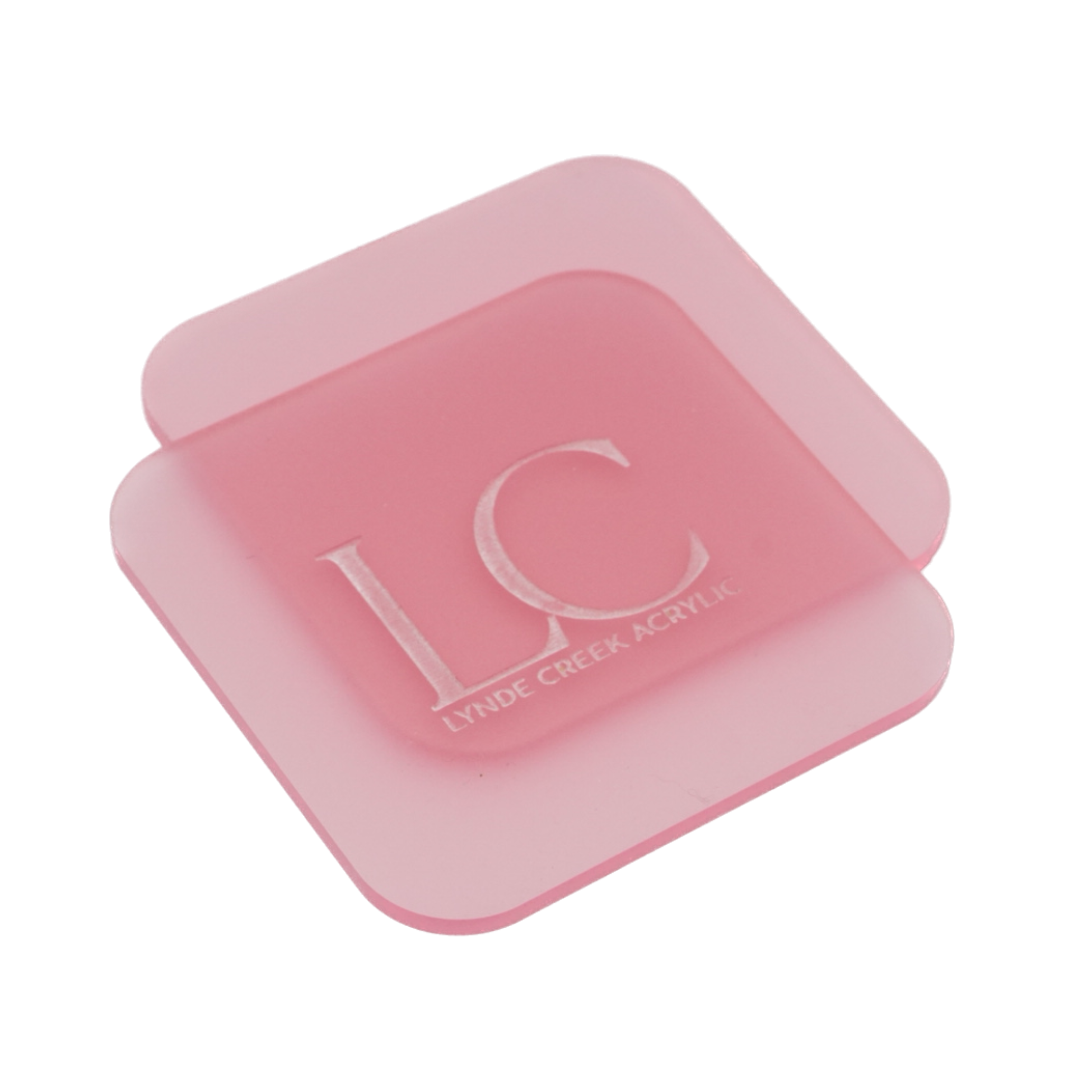
Translucent: allows light to pass through but is diffused to the point where objects behind are not clearly visible (e.g. frosted acrylic).
Semi-opaque: partly or nearly opaque. While you are unable to see through it, certain conditions (such as backlighting) may cause background shapes behind it to be visible (e.g. Cocktail Lime acrylic).
Opaque: no light will pass through and is not see through at all. Objects behind are completely blocked from view (e.g. matte and mirrored acrylic).